> ## Documentation Index
> Fetch the complete documentation index at: https://docs.storagesync.app/llms.txt
> Use this file to discover all available pages before exploring further.
# Introduction
> A quick introduction of StorageSync
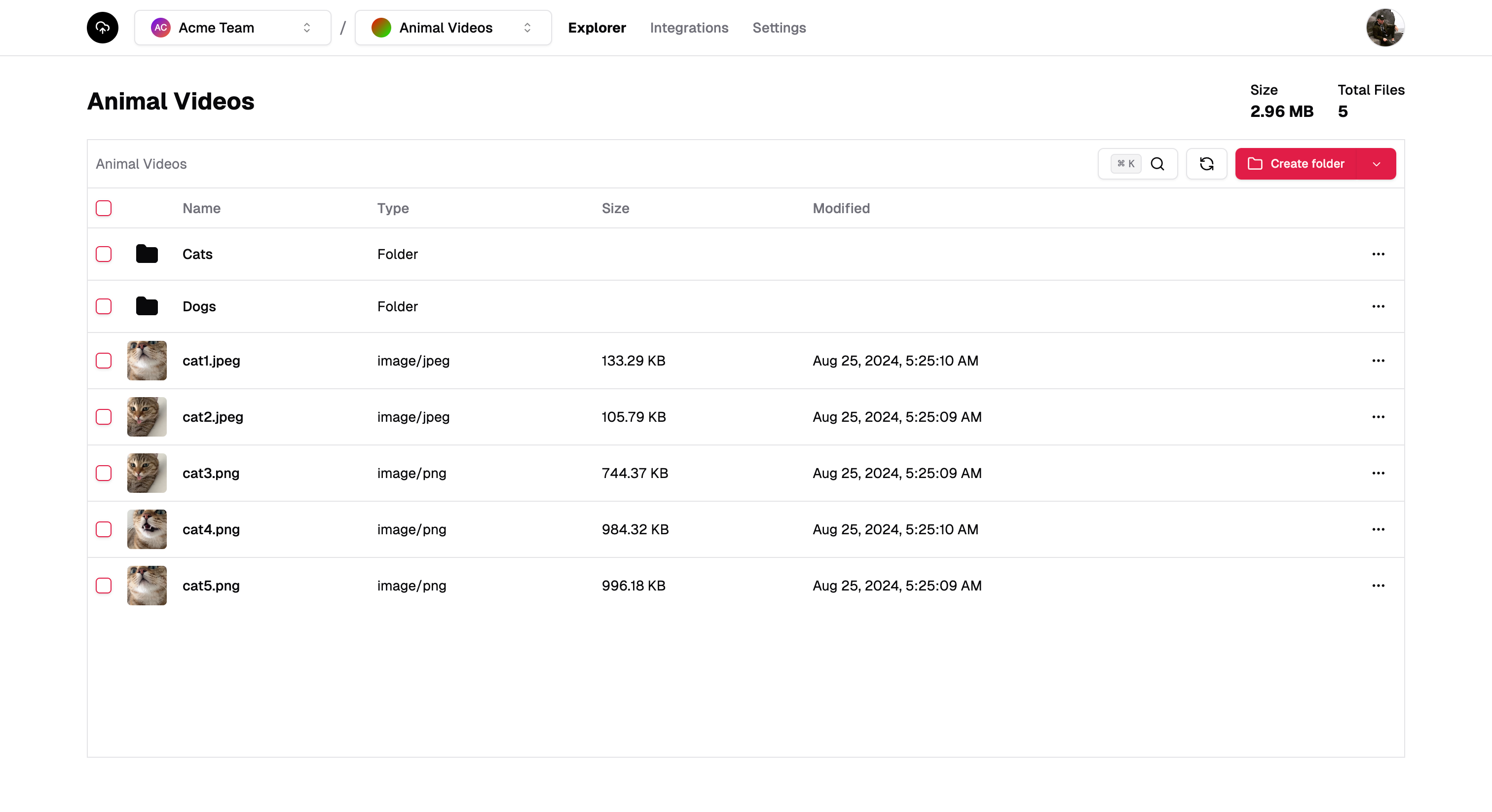
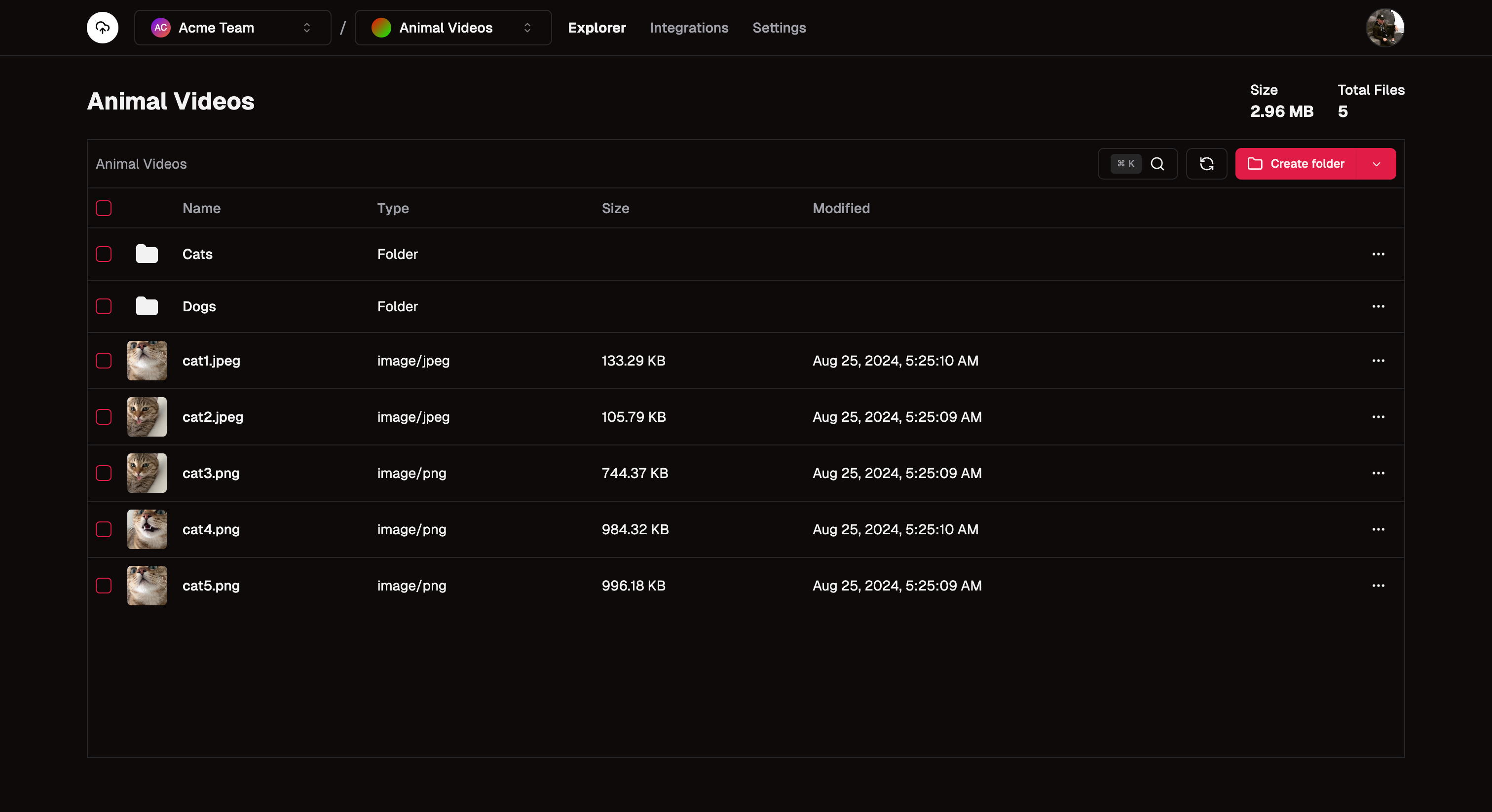 ## What is StorageSync?
StorageSync is a simple, powerful cloud storage solution built on Cloudflare's global network. Our service simplifies bucket creation, file management, and team collaboration, allowing you to focus on building great products instead of wrestling with complex storage systems.
## Why StorageSync?
* **Simplicity**: Create buckets and upload files with just a few clicks or API calls.
* **Speed**: Leverage Cloudflare's worldwide CDN for lightning-fast content delivery.
* **Integration**: Easily connect with Slack and/or set up webhooks for automated workflows.
## Getting Started
Whether you're a solo developer or part of a large team, getting started with StorageSync is quick and easy:
1. [Sign up for an account](https://storagesync.app/login)
2. Create your first team
3. Create your first bucket
4. Upload your files using our SDK, API or the web interface
## Next Steps - Choose your language
Start building great file integrations with our Typescript SDK
Start building great file integrations with our Python SDK
Start building great file integrations with our Go SDK
Start building great file integrations with our PHP SDK
## What is StorageSync?
StorageSync is a simple, powerful cloud storage solution built on Cloudflare's global network. Our service simplifies bucket creation, file management, and team collaboration, allowing you to focus on building great products instead of wrestling with complex storage systems.
## Why StorageSync?
* **Simplicity**: Create buckets and upload files with just a few clicks or API calls.
* **Speed**: Leverage Cloudflare's worldwide CDN for lightning-fast content delivery.
* **Integration**: Easily connect with Slack and/or set up webhooks for automated workflows.
## Getting Started
Whether you're a solo developer or part of a large team, getting started with StorageSync is quick and easy:
1. [Sign up for an account](https://storagesync.app/login)
2. Create your first team
3. Create your first bucket
4. Upload your files using our SDK, API or the web interface
## Next Steps - Choose your language
Start building great file integrations with our Typescript SDK
Start building great file integrations with our Python SDK
Start building great file integrations with our Go SDK
Start building great file integrations with our PHP SDK